
Introduction
Managing customer relationships is one of the most important aspects of running a successful business. However, as businesses grow, keeping track of customer information, sales activities, marketing campaigns, and support requests becomes increasingly challenging.
This is where Customer Relationship Management (CRM) comes into play.
CRM helps businesses organize customer information, improve communication, automate repetitive tasks, and make better decisions based on real-time data.
Whether you are a small business looking to organize customer contacts or an enterprise managing thousands of customer interactions, understanding CRM is essential for improving operational efficiency and customer satisfaction.
In this guide, we will explain what CRM is, how it works, its different types, key benefits, and how businesses can select the right CRM solution.
What Is CRM?
CRM stands for Customer Relationship Management. It refers to the strategies, processes, and technologies businesses use to manage interactions with existing and potential customers.
In everyday business usage, CRM often refers to software that stores customer information and helps teams manage sales, marketing, and customer service activities.
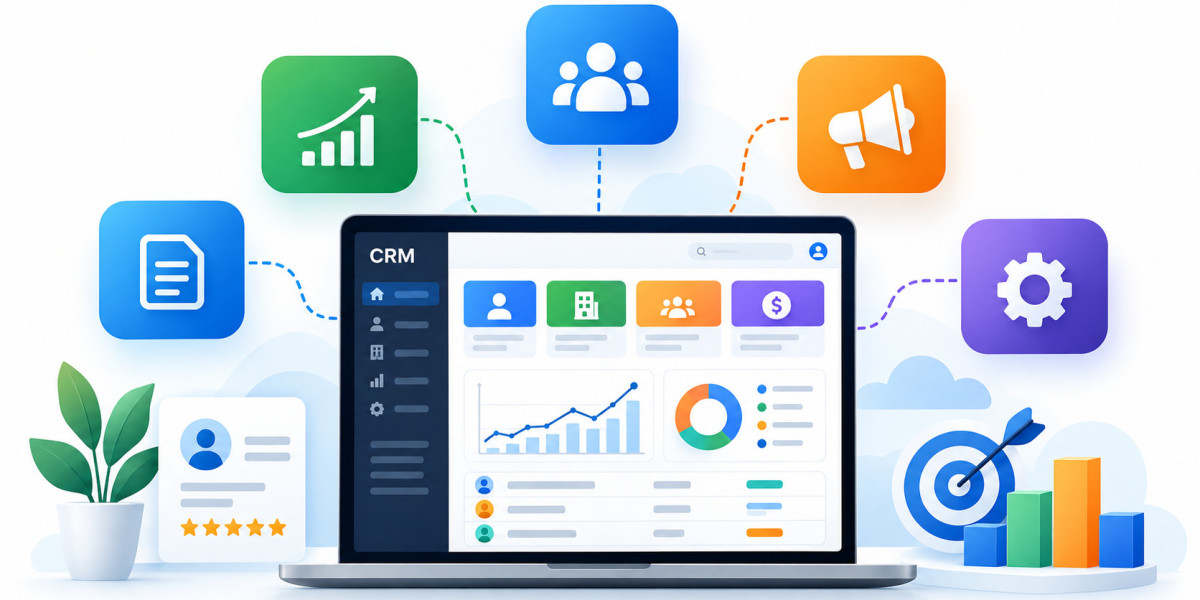
A CRM system provides a centralized platform where businesses can track customer interactions, manage leads, monitor sales opportunities, and improve customer engagement.
For example, when a potential customer submits an inquiry through your website, CRM software can automatically create a lead record, assign it to a sales representative, and schedule follow-up activities.
Instead of managing customer information across spreadsheets, emails, and separate applications, businesses can access relevant customer data through one connected system.
How Does a CRM System Work?
A CRM system collects, organizes, and manages customer-related information throughout the customer lifecycle.
1. Customer Data Collection
CRM platforms collect customer information from various sources, including website forms, emails, phone calls, marketing campaigns, and connected business applications.
2. Centralized Customer Database
Collected information is stored in a centralized database, allowing authorized teams to access customer profiles, communication histories, and relevant business activities.
3. Lead and Opportunity Management
Sales teams use CRM software to track potential customers, qualify leads, manage opportunities, and monitor deal progress.
4. Workflow Automation
CRM automation helps businesses reduce repetitive tasks such as lead assignment, follow-up reminders, email notifications, and record updates.
5. Reporting and Analytics
CRM dashboards provide visibility into sales performance, customer engagement, marketing effectiveness, and service operations.
These insights help businesses identify opportunities, address operational challenges, and improve decision-making.
What Are the Different Types of CRM?
Businesses typically use three major types of CRM, although modern platforms often combine capabilities from all three.
Operational CRM
Operational CRM focuses on streamlining daily customer-facing activities.
It supports sales automation, marketing automation, customer service workflows, and lead management.
Analytical CRM
Analytical CRM helps businesses understand customer behavior through data analysis and reporting.
Organizations can use it to identify purchasing patterns, evaluate campaign performance, and improve customer segmentation.
Collaborative CRM
Collaborative CRM focuses on sharing customer information across departments.
It helps sales, marketing, and service teams coordinate activities and deliver more consistent customer experiences.
Key Benefits of CRM Software for Businesses
Improved Customer Relationships
CRM systems help businesses maintain organized customer records and deliver more personalized communication based on customer needs and interaction history.
Better Sales Pipeline Visibility
Sales representatives and managers can track opportunities, identify stalled deals, and monitor progress throughout the sales cycle.
Increased Team Productivity
Automated workflows reduce manual administrative tasks, allowing employees to focus on higher-value activities.
Enhanced Customer Service
Support teams can access relevant customer information, track service requests, and provide more consistent assistance.
Data-Driven Business Decisions
CRM reporting tools help organizations evaluate performance, identify trends, and make informed operational decisions.
Improved Cross-Department Collaboration
Centralized customer information helps sales, marketing, and customer support teams work with more consistent records and shared context.
Popular CRM Software Platforms
Several CRM platforms support different business requirements.
CRM Platform | Common Business Use Cases |
|---|---|
Salesforce | Enterprise sales, customer service, automation, and complex business processes |
HubSpot CRM | Sales and marketing alignment, lead nurturing, and customer engagement |
Zoho CRM | Contact management, sales automation, and customizable workflows |
Microsoft Dynamics 365 | CRM and enterprise business application integration |
Pipedrive | Sales pipeline tracking and opportunity management |
The right platform depends on business size, operational complexity, integration requirements, budget, and long-term goals.
How to Choose the Right CRM for Your Business
Selecting CRM software requires more than comparing features.
Businesses should first identify their operational challenges and define what they expect the CRM system to accomplish.
Important evaluation factors include ease of use, customization options, automation capabilities, integration support, reporting requirements, scalability, data security, and total cost of ownership.
Organizations should also consider the resources required for implementation, data migration, employee training, and ongoing CRM administration.
A structured evaluation process helps businesses select a solution that supports both immediate needs and future growth.