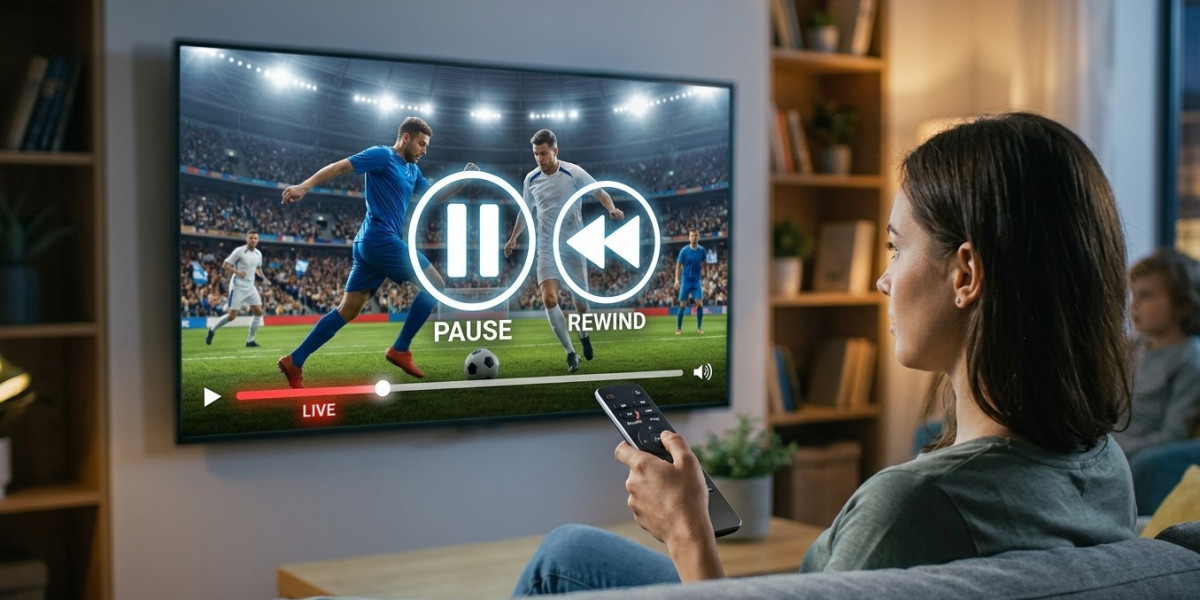

One of the conveniences many viewers miss when switching from cable is the ability to pause live TV or rewind to catch something they missed. If you're considering IPTV, you might be wondering whether this same functionality is available. In this guide, we'll explain how pause and rewind features work with IPTV, what to look for in a provider, and how a properly equipped Indian IPTV Box can bring this convenience to your IPTV India viewing experience.
Table of Contents
- Can You Pause and Rewind Live TV on IPTV?
- How Live TV Pause and Rewind Works
- Time-Shifted TV Explained
- What You Need for This Feature
- Limitations to Be Aware Of
- Tips for Using Pause and Rewind Effectively
- FAQs
Can You Pause and Rewind Live TV on IPTV?
Yes, many IPTV providers support pausing and rewinding live television, though this feature isn't universal across every service. Whether you can pause or rewind depends on your specific IPTV India provider's capabilities and whether your streaming device, such as your Indian IPTV Box, supports this type of playback control. It's a feature worth checking for specifically before subscribing if it's important to you.
How Live TV Pause and Rewind Works
This functionality is typically made possible through a technology called time-shifting, which temporarily buffers or stores live broadcast content, allowing you to:
- Pause playback and resume from the exact point you left off
- Rewind to rewatch something you may have missed
- Fast forward back to live if you've paused or rewound
Behind the scenes, the provider's servers or your device temporarily retain a short window of the live broadcast, making this kind of playback control possible.
Time-Shifted TV Explained
Time-shifted TV is closely related to pause and rewind functionality, and it generally falls into a few categories:
- Live buffering – A short window (often 30 minutes to a few hours) where you can pause or rewind recently aired content
- Catch-up TV – Slightly different from pause/rewind, this allows you to watch previously aired programs after they've finished airing, sometimes hours or even a day later
- Start-over feature – Some providers let you restart a currently airing program from the beginning, even if you tuned in partway through
Providers vary in which of these features they offer, so it's worth understanding the specific terminology your IPTV India provider uses.
What You Need for This Feature
To take advantage of pause and rewind functionality, you'll generally need:
- A provider that supports time-shifted or buffered live TV, since not all do
- A compatible device, such as a modern Indian IPTV Box or supported app
- A stable internet connection, particularly important since rewinding relies on accessing previously buffered data
- Sufficient app or device support, as older or more basic IPTV apps may not include this functionality
Limitations to Be Aware Of
- Limited buffer windows – Most services only allow rewinding within a certain recent time frame, not unlimited rewinding
- Not all channels may support it – Some channels may have this feature restricted due to broadcast agreements
- Device compatibility varies – Not every IPTV box or app includes pause and rewind controls
- Internet connection dependency – Since the content is streamed rather than stored locally in most cases, a stable connection remains important even while paused
Tips for Using Pause and Rewind Effectively
- Check your provider's specific policy on live TV buffering before assuming this feature is included
- Test the feature early after setup to understand how far back you can rewind
- Avoid relying on rewind for very old content, since most buffers only cover a limited recent window
- Keep your Indian IPTV Box updated, as newer firmware may improve time-shifting performance
- Use catch-up TV options if available, for content further in the past than the standard rewind window allows
FAQs
1. Do all IPTV providers offer live TV pause and rewind?
No, this feature varies by provider, so it's important to check whether your specific IPTV India plan includes it.
2. How far back can I typically rewind live TV on IPTV?
This varies, but many services offer a buffer window ranging from 30 minutes up to a few hours of recent content.
3. Is pause and rewind the same as catch-up TV?
Not exactly. Pause and rewind typically covers a short recent window, while catch-up TV allows access to full programs after they've already aired.
4. Does my Indian IPTV Box need special features to support rewinding?
Yes, not all boxes or apps support this functionality, so it's worth confirming compatibility with your specific device.
5. Can I rewind any channel, or only certain ones?
This depends on your provider, as some channels may have restrictions on time-shifting due to broadcast agreements.
Watch Live TV on Your Terms
Never worry about missing a moment again. With the right IPTV India provider and a capable Indian IPTV Box, you can pause, rewind, and catch up on live TV whenever life gets in the way. Explore our IPTV plans today and take control of your live viewing experience.